cover
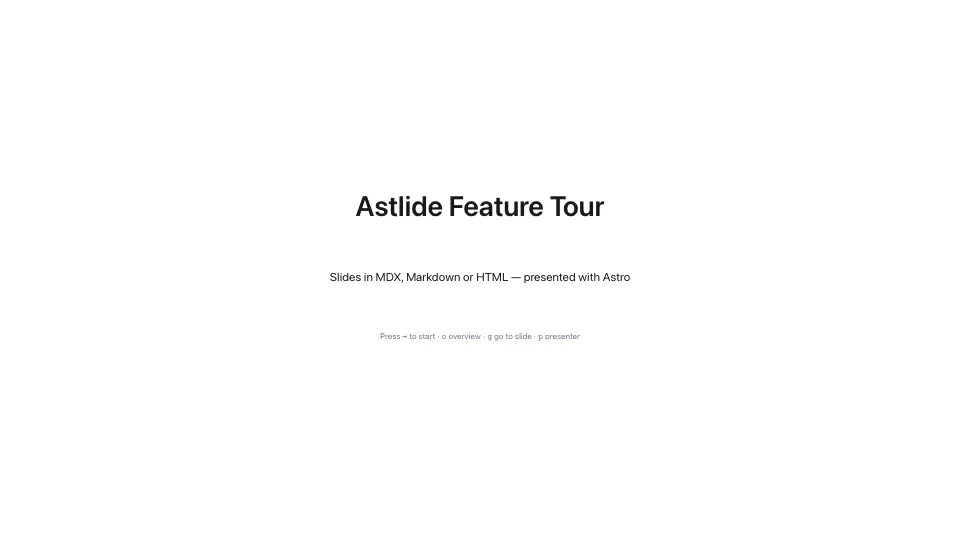
Centred title — opening and closing slides.
Screenshots come from the feature tour deck — open it to see each slide live, then press o for the overview.
Set with slideLayout in a slide’s frontmatter. See Layouts & Components for the markup each one expects.
cover
Centred title — opening and closing slides.
section
Chapter divider.
default
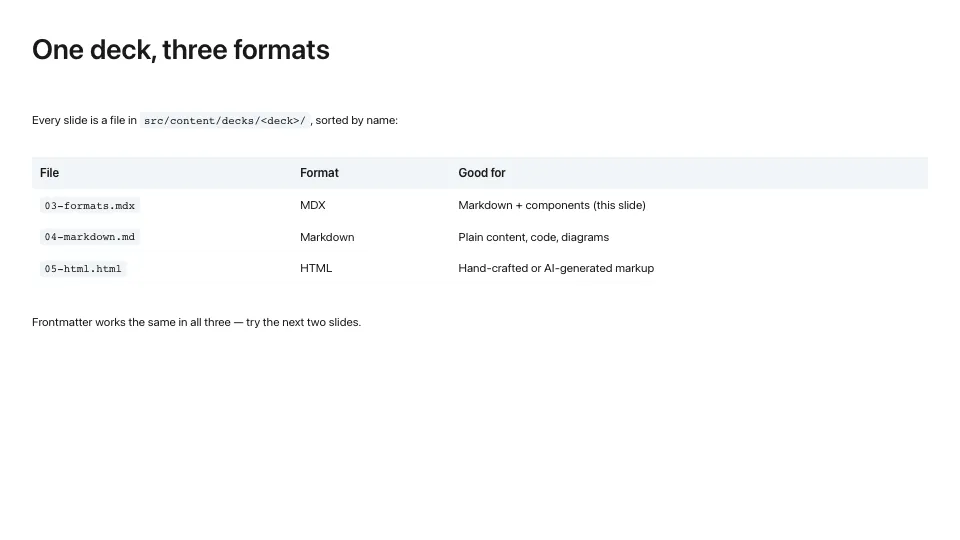
Standard content slide.
two-column
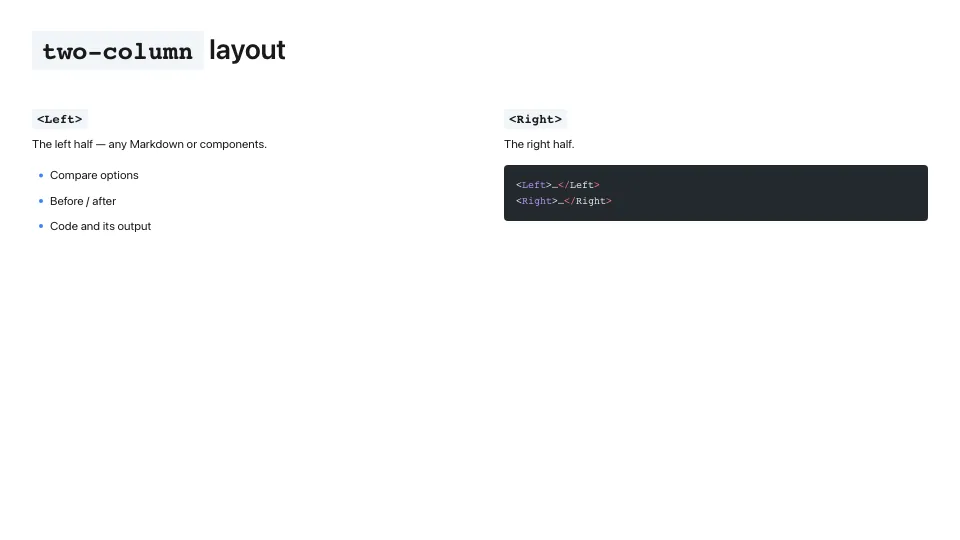
<Left> / <Right> under a full-width title.
image-left

<ImageSide> + <TextPanel>.
image-right

The same, mirrored.
image-full

Full-bleed background image.
code

Tighter padding for code.
quote
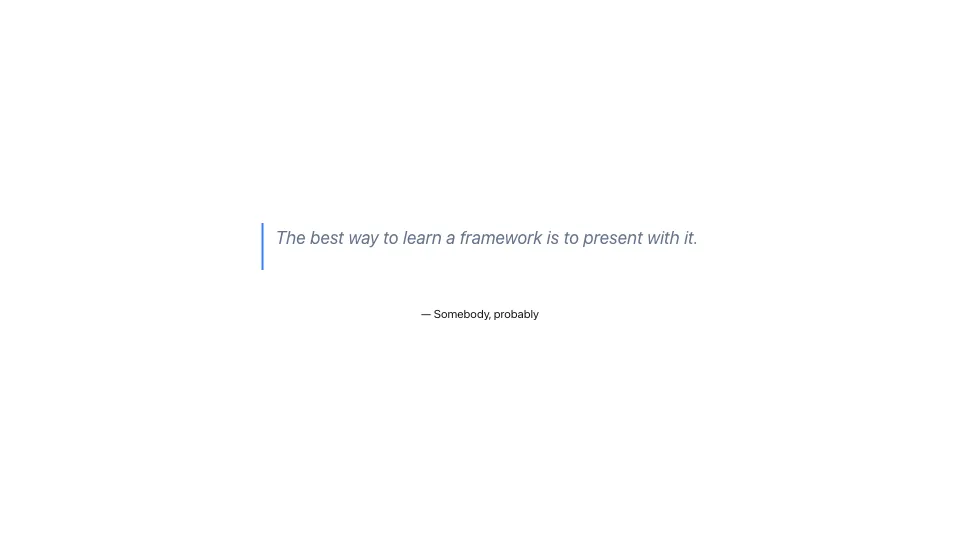
Centred blockquote.
statement

One large sentence.
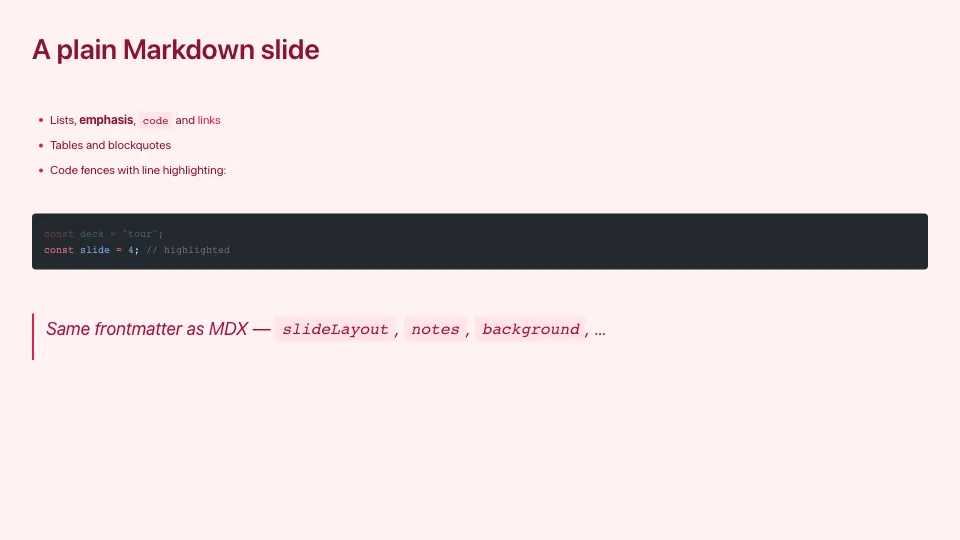
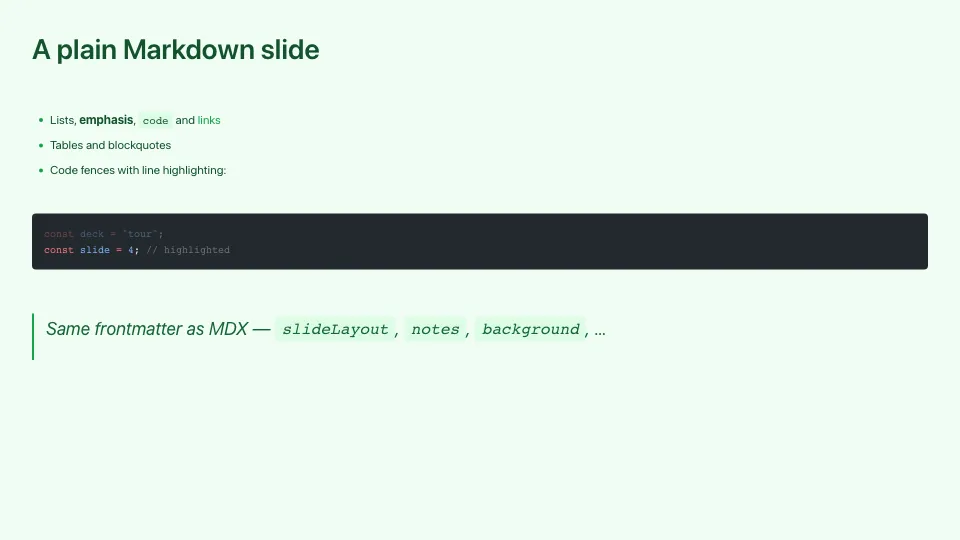
Set per deck with "theme" in _config.json. The same slide in each built-in theme:
default
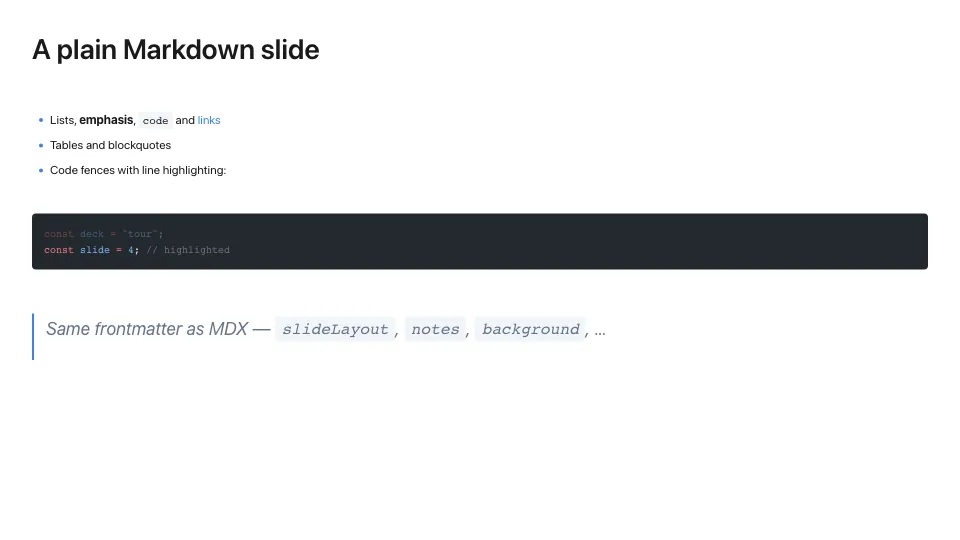
dark
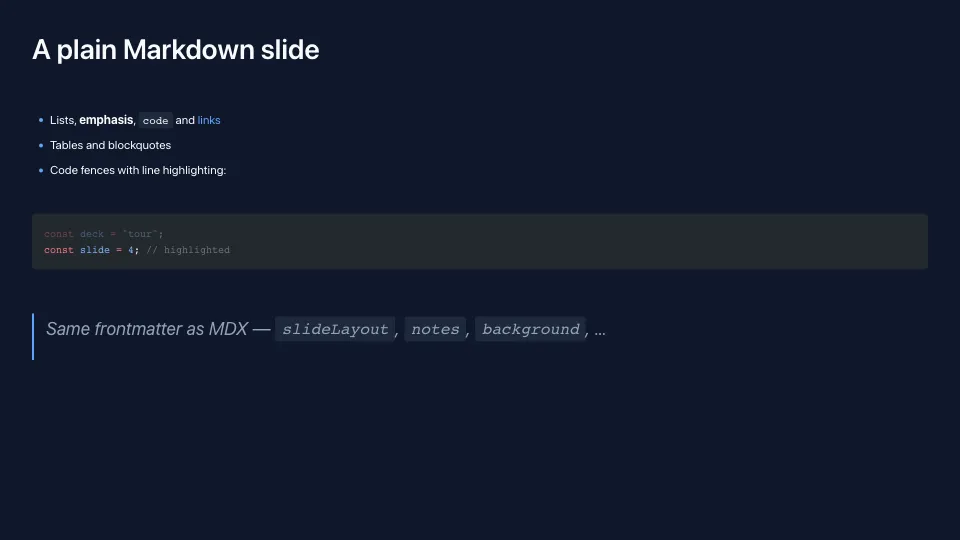
minimal
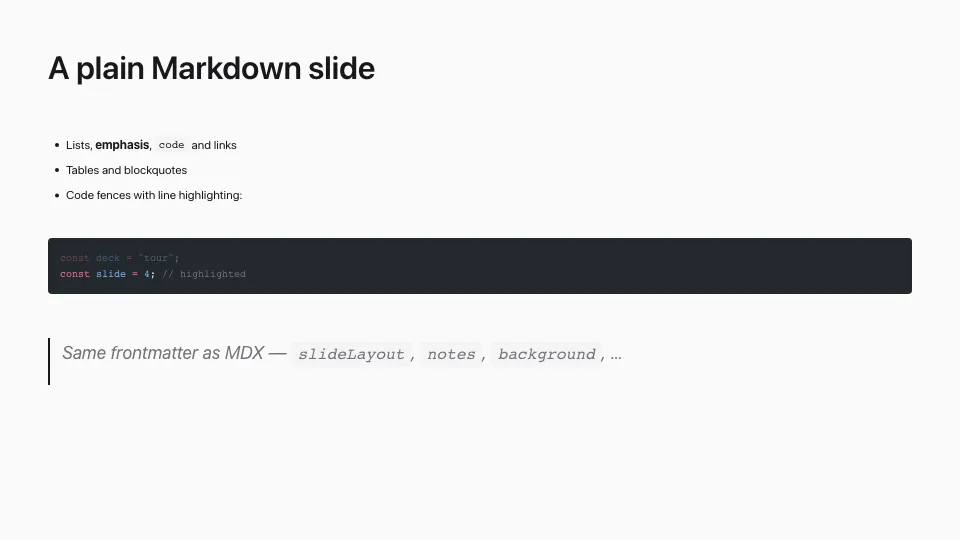
corporate
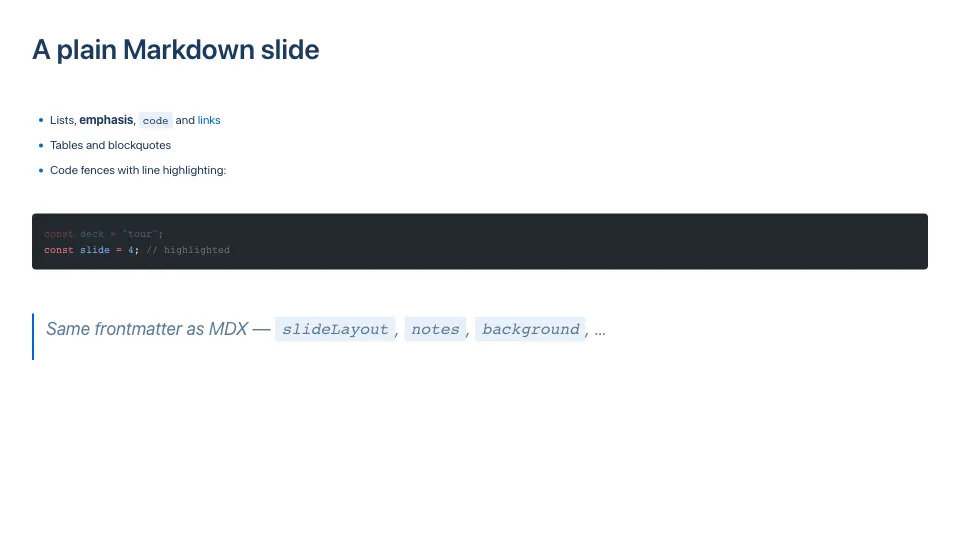
gradient

rose
forest
Want your own? See custom themes.